Instant eSIM
Scan before takeoff.
Ready when you land.


South Africa eSIM plans
Need broader coverage?
Crossing borders on the same trip? Compare regional and global eSIM plans with one digital setup.


Travel eSIM guide
Why choose an eSIM for South Africa?
South Africa trips can involve city transfers, long coastal drives and safari logistics where mobile data improves confidence and coordination.
A prepaid eSIM lets you keep your main number active while Kyro handles travel data.
Destination gallery
Where travelers use mobile data in South Africa
Real travel scenes where prepaid eSIM data helps with maps, bookings, rideshare, and staying connected after you land.

South Africa arrivals go smoother when maps, rideshare, and hotel messaging work before you leave the airport.
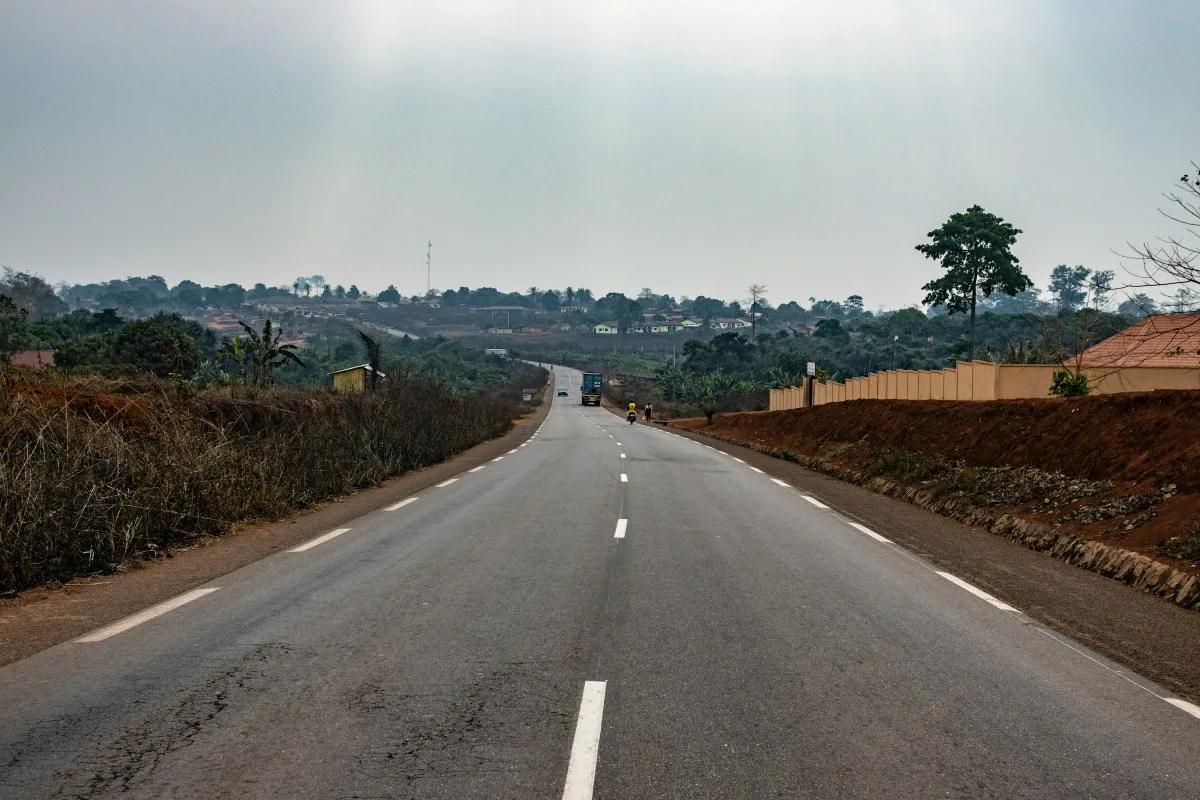
Day trips across South Africa use mobile data for navigation, tickets, translation, and sharing photos on the go.
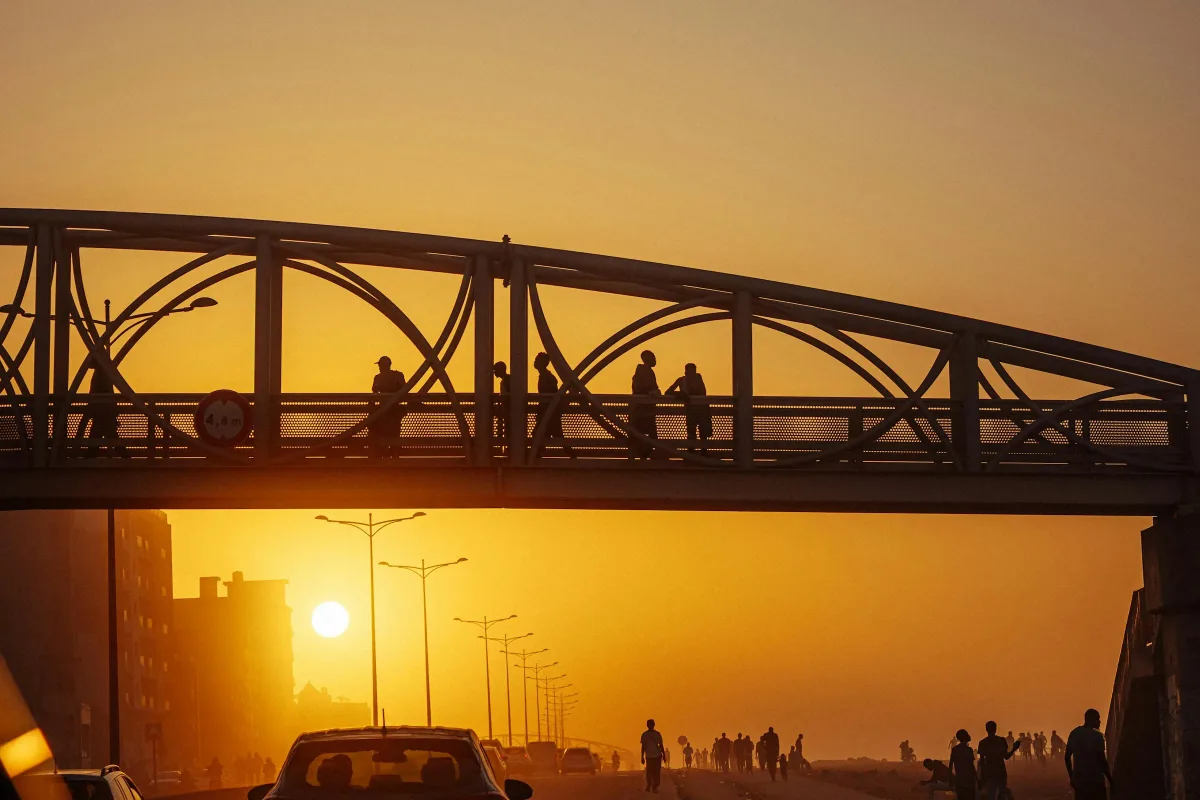
A prepaid South Africa eSIM keeps WhatsApp, banking alerts, and travel apps online without turning on roaming.
How to choose a South Africa eSIM plan
A smaller plan works for Cape Town or Johannesburg city stays with maps, messaging and ride apps.
Choose more data for road trips, safari lodges, hotspot use, remote work or multi-region itineraries.
Popular South Africa eSIM routes
Travelers use data for rides, road navigation, lodge coordination and city bookings.
- Cape Town
- Johannesburg
- Kruger National Park
- Garden Route
- Durban
- Stellenbosch
- Pretoria
- Port Elizabeth
Related pages
Keep exploring South Africa
Compare nearby destinations, read travel guides, and browse more prepaid eSIM options across Kyro.
Multi-country trip plans




Travel guides
South Africa eSIM FAQs
Can I use a South Africa eSIM on safari?
Yes where coverage is available, but service in game reserves and remote lodges can be limited or variable.
Is a South Africa eSIM useful for the Garden Route?
Yes. It helps with road navigation, accommodation messages, restaurant searches and weather updates.
Does the South Africa eSIM include calls?
Kyro South Africa plans are data eSIMs. Use internet calling apps or keep your primary SIM active for calls.
Network and setup details
- 1Install before travel and enable the South Africa eSIM after arrival.
- 2Supported partner coverage is strongest in cities and main roads; game reserves and rural routes can vary.
- 3Download offline maps before safaris, mountain drives or remote coastal sections.
Arrival tips for South Africa
- 1Install before landing in Cape Town or Johannesburg.
- 2Keep data ready for ride apps and accommodation messages after arrival.
- 3Save offline routes before driving through national parks or rural areas.