When to install your Umrah eSIM
Install on Wi-Fi before departure so Nusuk, messaging, and transport apps work when you land at Jeddah or Madinah.
Enable the travel line after immigration and keep your home number active for banking OTPs if needed.
Your first eSIM, 10% off.
Land connected on your next trip. Auto-applied at checkout.
eSIM instantánea
Escanéala antes de despegar.
Lista cuando aterrices.


Stay connected during Umrah with prepaid Saudi Arabia eSIM plans sized for pilgrim travel — group messaging, maps, and Nusuk access from arrival.
Travel guide
Typical stay
7–14 days
Key cities
Makkah, Madinah, Jeddah
Airports
JED, MED
Peak seasons
Ramadan, school holidays
Destination gallery
Real travel scenes where prepaid eSIM data helps with maps, bookings, rideshare, and staying connected after you land.
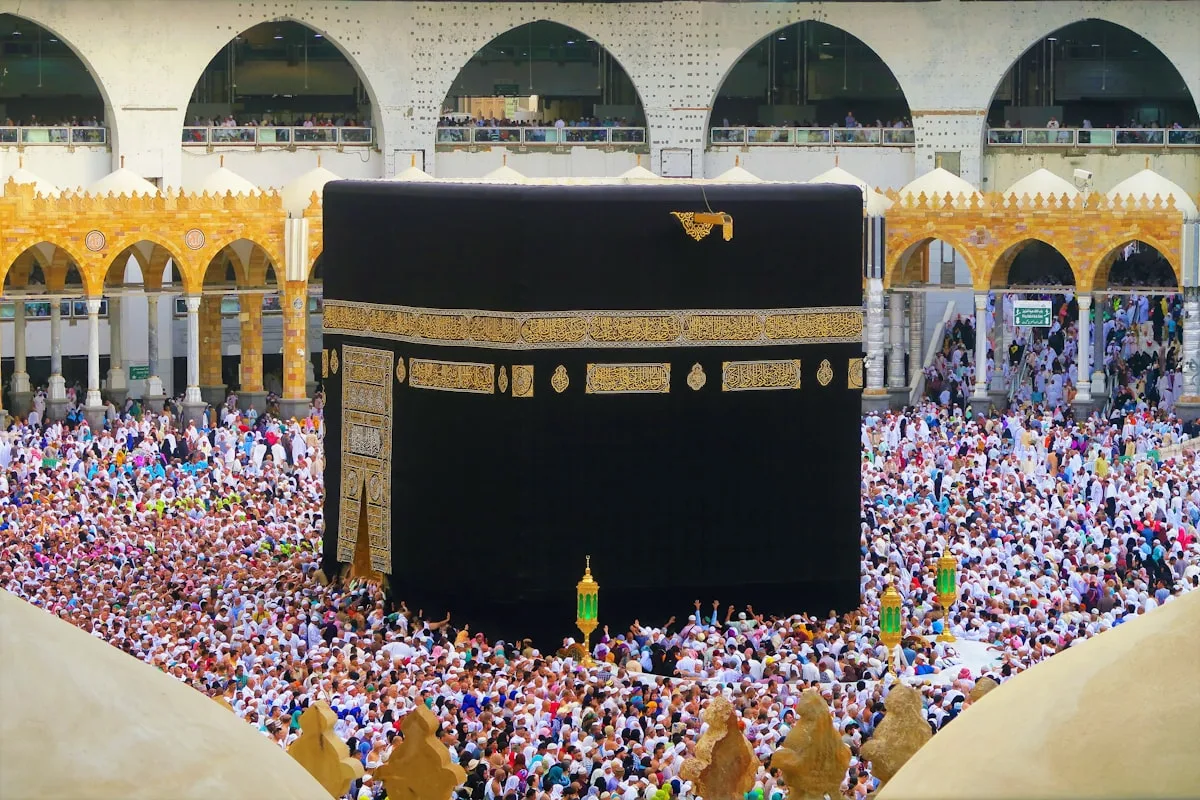
Umrah groups coordinate arrivals at Masjid al-Haram with family messaging and Nusuk updates on mobile data.
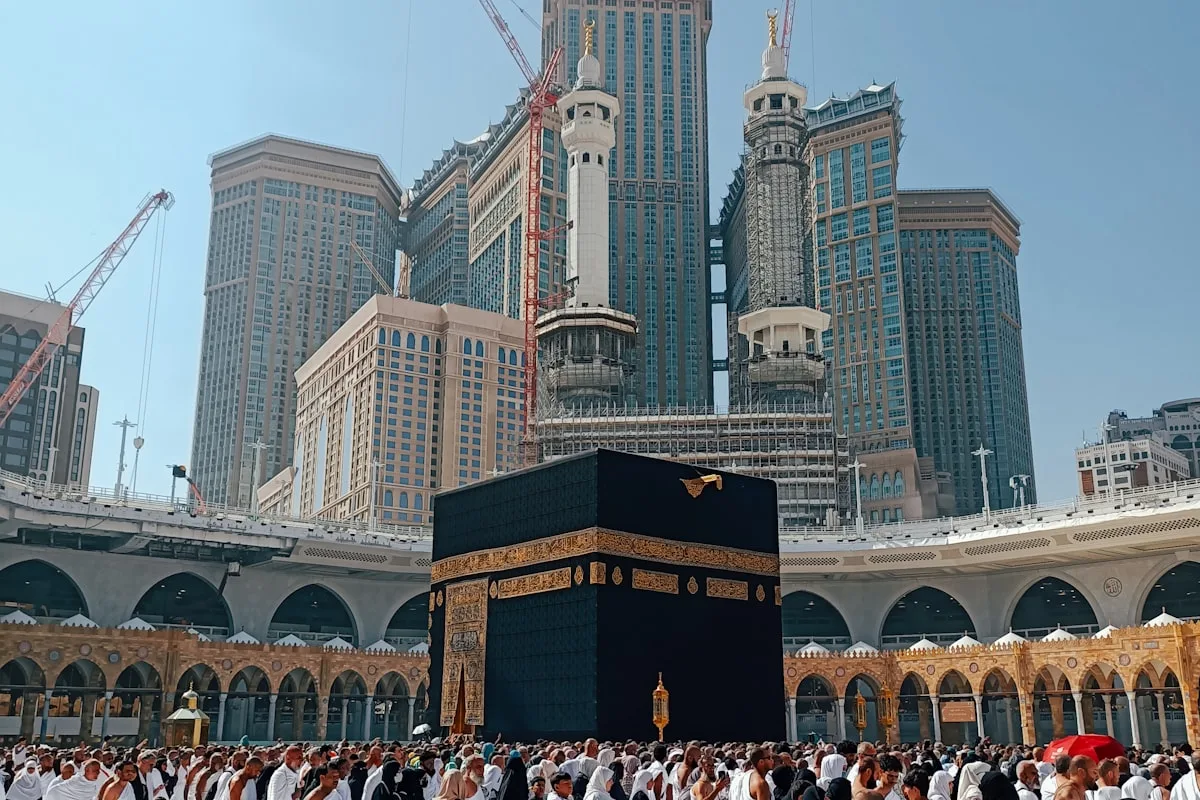
Madinah and Makkah stays rely on maps, hotel pins, and WhatsApp between prayers.
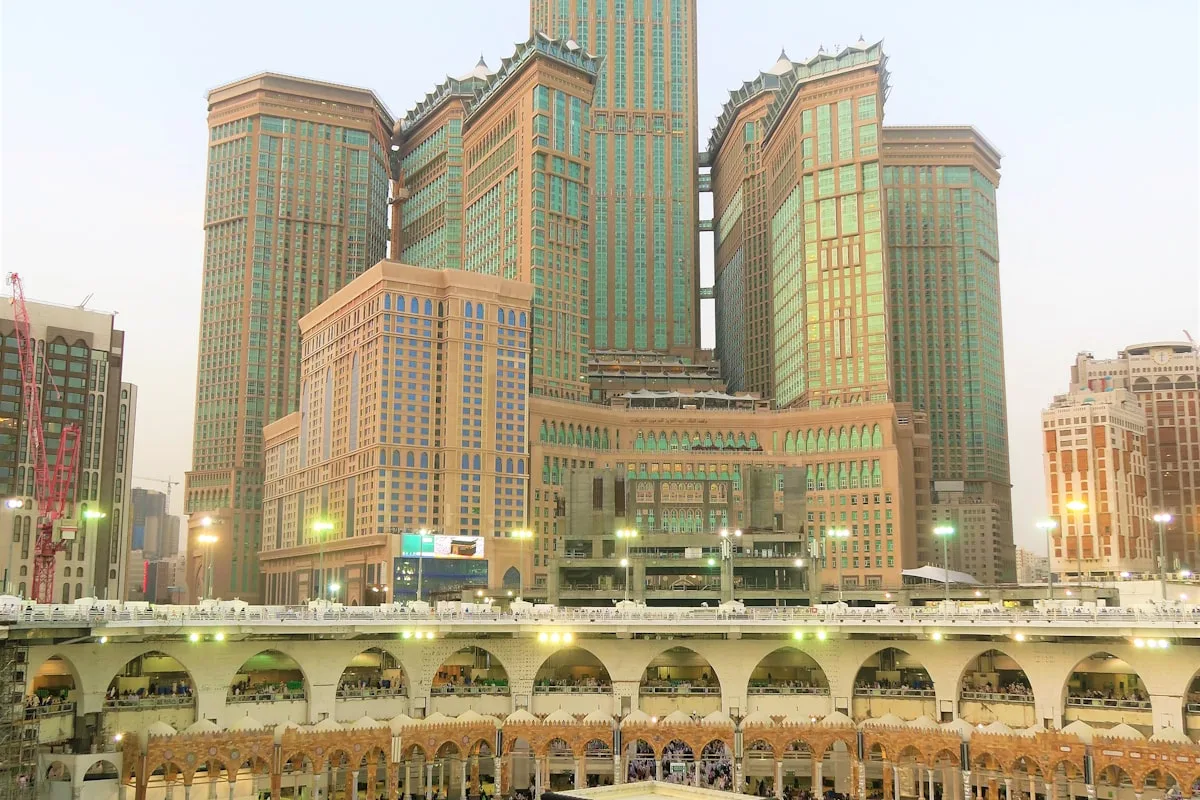
Most Umrah travelers land in Jeddah and book Makkah transfers through ride apps after immigration.
Install on Wi-Fi before departure so Nusuk, messaging, and transport apps work when you land at Jeddah or Madinah.
Enable the travel line after immigration and keep your home number active for banking OTPs if needed.
Supported partner networks cover major cities and transport corridors between Makkah and Madinah.
Crowded sites may have variable signal — download offline maps as a backup for hotel addresses.
Create a WhatsApp group before travel and share hotel pins while everyone is still on Wi-Fi.
If multiple family members need data, each traveler can use their own eSIM or hotspot from one larger plan.
Most pilgrims use data for coordination rather than heavy streaming.
| Use case | Data need | Notes |
|---|---|---|
| Family messaging | Low–moderate | WhatsApp groups between rituals |
| Maps & rides | Moderate | Hotels, Haram gates, inter-city transfers |
| Video calls | Higher | Add buffer if calling home daily |
Step 1
Install eSIM at home; screenshot QR instructions.
Step 2
Enable travel data after immigration; confirm Nusuk access.
Step 3
Use maps and ride apps for Makkah–Madinah transfers.
Yes. Travelers can use a Saudi Arabia eSIM for supported coverage during Umrah, subject to device compatibility and local network availability.
Light users often manage on 3–5 GB for a week of messaging and maps. Add more if you video call family daily or hotspot for a group.
Install on Wi-Fi before departure, then enable the line after landing at Jeddah or Madinah.
Related pages
Compare nearby destinations, read travel guides, and browse more prepaid eSIM options across Kyro.
Actívalo en 30 días tras la compra, o se activará solo después.
Saudi Arabia:STC (5G)¿Cuántos viajeros?